
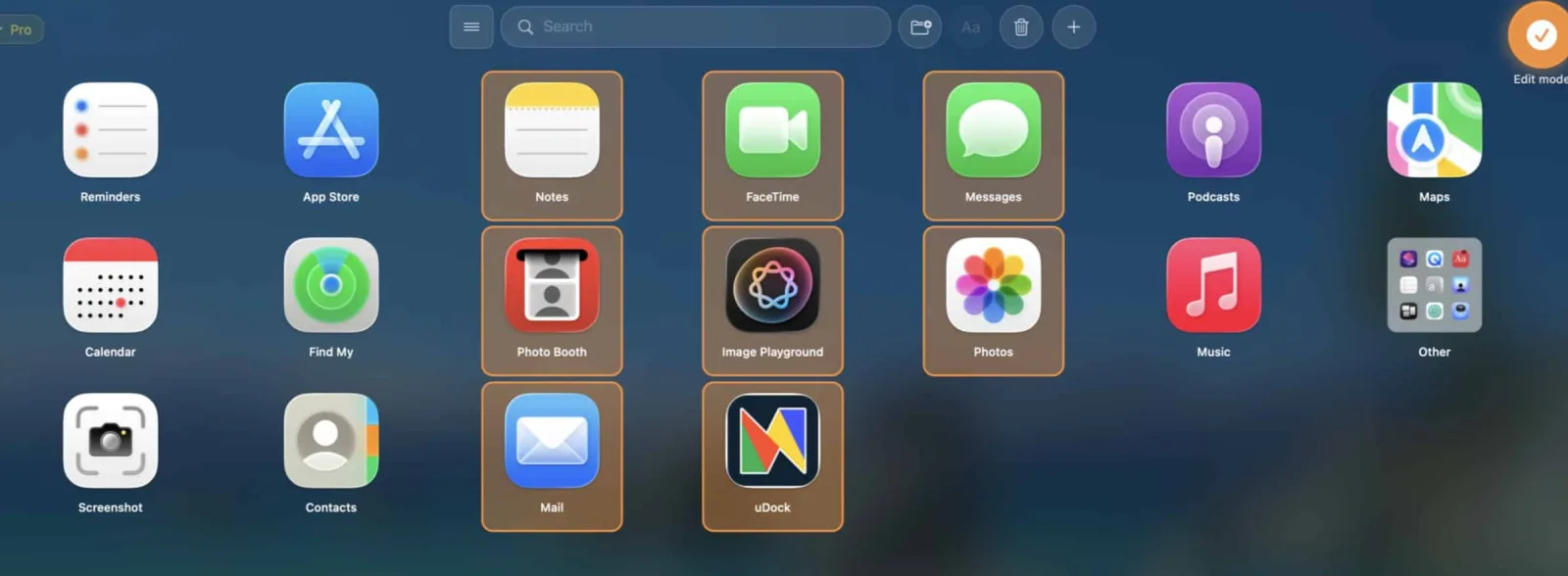
How to create custom app folders on Mac
Create custom app folders with AppGrid using free drag and drop or Pro multi-select, then add, move, and rename apps.
Read guideAppGrid help
Step-by-step help for organizing Mac apps after Apple removed Launchpad, using AppGrid features, and solving common macOS app-management tasks.
Step by step
Create custom app folders with AppGrid using free drag and drop or Pro multi-select, then add, move, and rename apps.
Read guide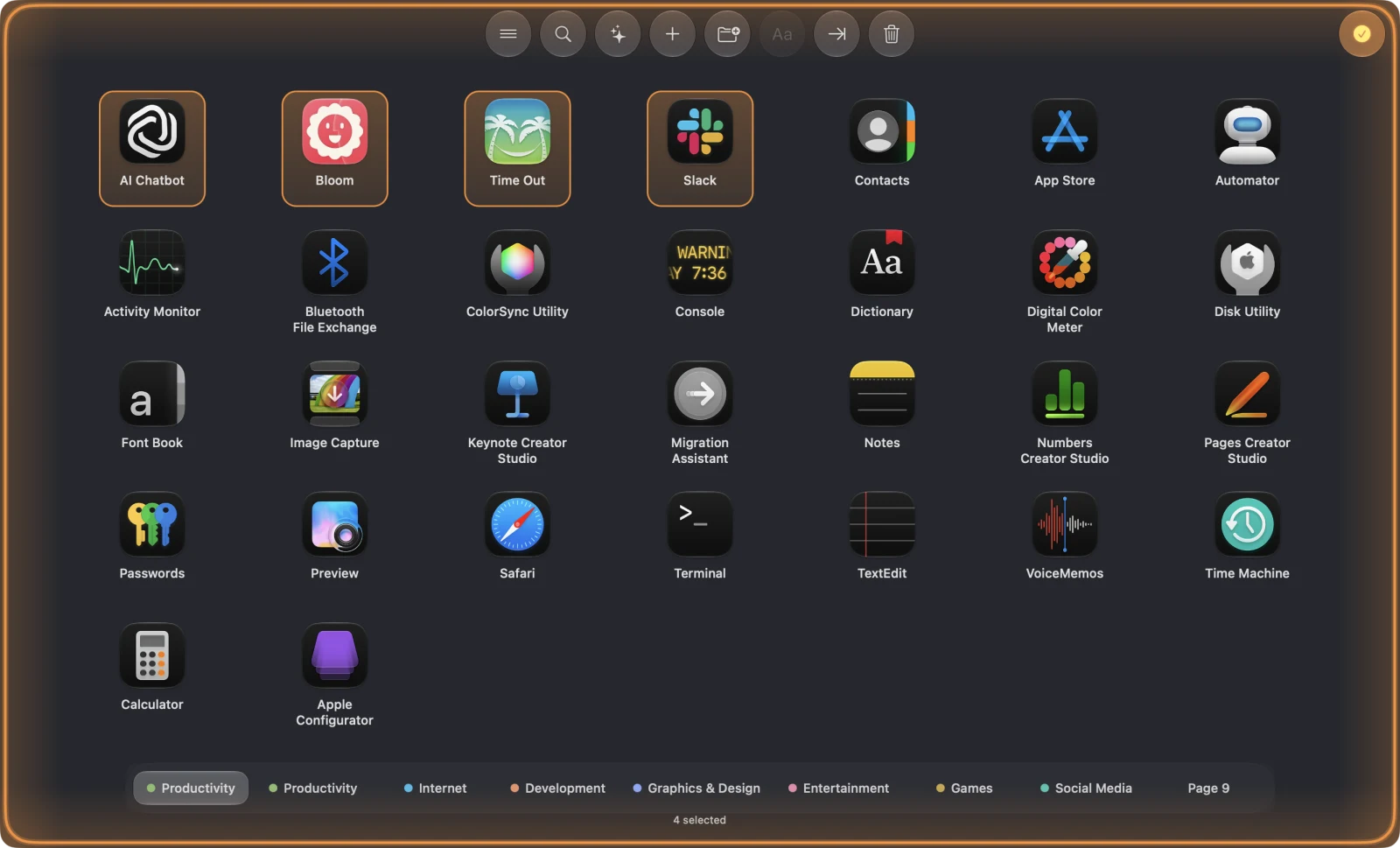
Remove several Mac applications at once with Finder or AppGrid, with clear guidance on leftovers, protected apps, and Trash.
Read guideNeed another walkthrough?
Guides are based on real AppGrid workflows and common Mac app-management questions.